
Best Email Marketing Software for Small Businesses and Beginners
Every dollar you put into email marketing typically returns $42—but that only happens when your software matches how you actually run your business. I've watched too many small business owners spend three weeks trying to figure out platforms designed for companies with entire marketing departments. Others drop $600 on advanced automation they won't touch for six months, while some grab the first "forever free" option they find, then wonder why half their emails vanish into spam folders.
We spent four months testing seventeen different platforms. Real campaigns went to real subscriber lists. We measured which emails actually landed in inboxes, timed how long simple tasks took, and tracked which "easy" features made us want to throw our laptops.
What Makes Email Marketing Software Worth Using
Social media hasn't killed email—email just grew up. Today's email campaign software goes way beyond sending the same newsletter to everyone on your list. The good platforms watch what your subscribers do, then respond automatically. Someone abandons their shopping cart? The software notices and sends a reminder. A subscriber downloads your free guide? They get a relevant follow-up without you lifting a finger.
Marketing automation apps connect with your customer database, online store, and tracking tools. Purchase something from your shop? Your email platform sees it happen. Visit your pricing page three times in a week? That can trigger a personalized check-in. These aren't expensive enterprise features anymore—you'll find them in $20/month tools.
The real test isn't whether email works (studies prove it does). What matters is whether you can use your platform consistently without needing a YouTube tutorial each time.
How We Evaluated and Ranked These Email Marketing Platforms
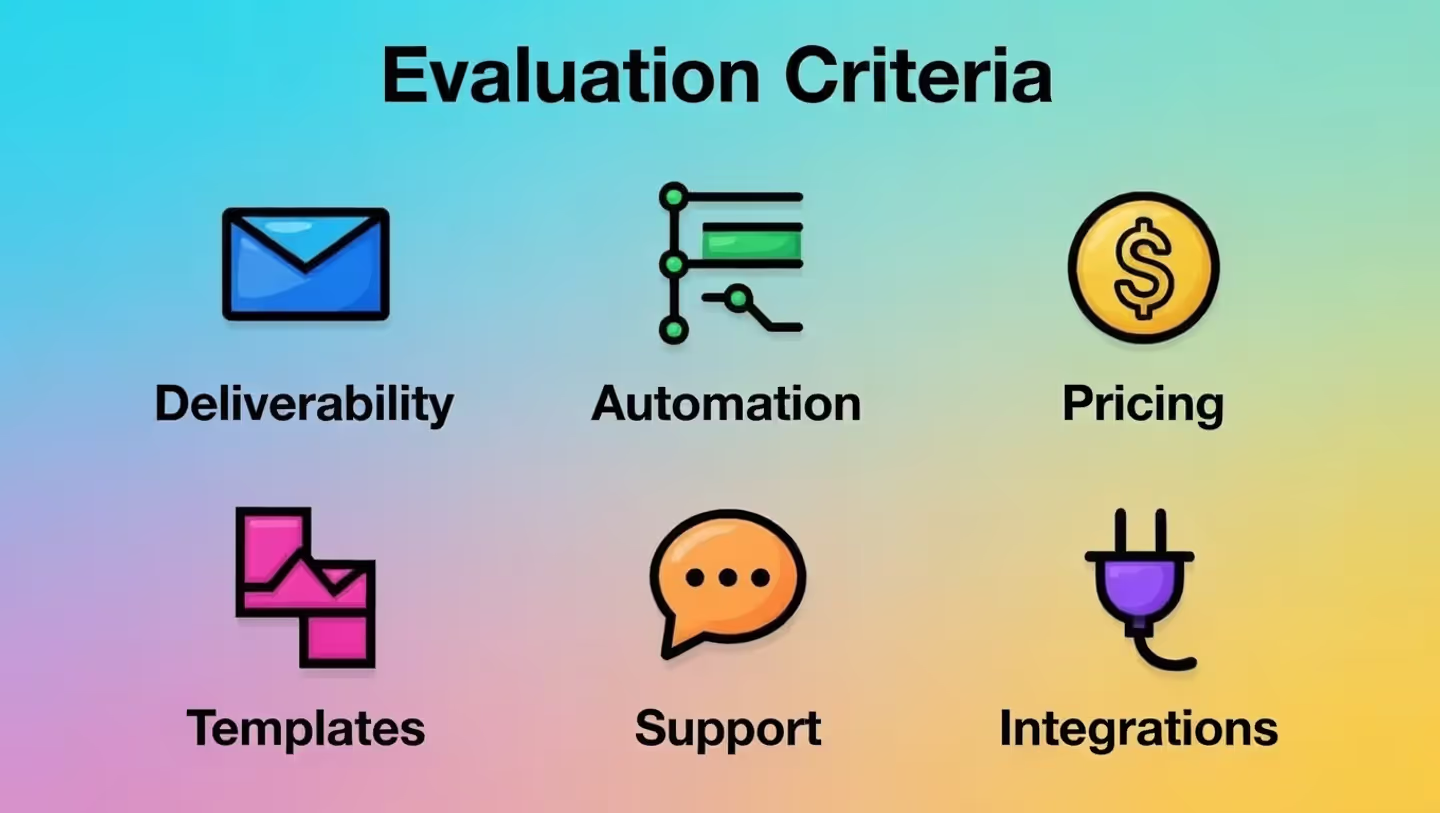
Every platform we tested got the same treatment: a list of 2,500 contacts, three automated message sequences, weekly newsletters, and connections to both Shopify and WordPress. We focused on what actually affects your results:
Deliverability rates: We tracked where emails landed—inbox or spam folder—across Gmail, Outlook, and Apple Mail. Some budget platforms delivered under 75% of messages to actual inboxes. That means 25 out of 100 subscribers never saw your email.
Automation without headaches: We timed how long it took someone with zero marketing background to build a welcome sequence. Ten minutes was our benchmark.
Real pricing: We calculated actual costs for lists of 500, 2,500, and 10,000 subscribers, hunting down the mandatory extras that platforms bury in footnotes.
Template quality: We built campaigns using only the included templates. Outdated designs that scream "spam" got points deducted.
Support response time: Basic questions went through each help system. We tracked how long answers took. Some platforms responded in under two hours. Others took over 48 hours.
Integration reliability: After connecting each platform to popular tools, we watched for sync failures across 30 days.
Top 7 Email Marketing Tools Compared

| Platform | Monthly Starting Cost | Free Option Available | Ideal User | Automation Capability | User-Friendliness |
| Mailchimp | $13 | Yes (up to 500 contacts) | First-time email marketers | Moderate | 4/5 |
| ConvertKit | $15 | Yes (up to 1,000 subscribers) | Bloggers & course creators | Strong | 4/5 |
| ActiveCampaign | $29 | No | Scaling companies | Very Strong | 3/5 |
| Brevo (Sendinblue) | $25 | Yes (unlimited list size) | Tight-budget businesses | Moderate | 4/5 |
| MailerLite | $10 | Yes (up to 1,000 subscribers) | Straightforward campaigns | Light | 5/5 |
| Klaviyo | $20 | Yes (up to 250 contacts) | Online retail businesses | Strong | 3/5 |
| AWeber | $12.50 | Yes (up to 500 subscribers) | Classic email approaches | Light | 4/5 |
Mailchimp – Best for First-Time Email Marketers
Mailchimp dominates name recognition because it truly works well for your very first campaign. The interface assumes you've never done this before, offering helpful tooltips and ready-made customer journey templates that explain each step's purpose.
What works: You get hundreds of mobile-friendly templates, a solid free tier, and connections to nearly every platform you've heard of. The reporting section translates numbers into normal language.
What doesn't: Costs jump fast after 500 subscribers. Automation features competitors include at basic levels cost extra here. Free plan users sometimes report delivery problems.
Who should use it: You're launching something new, planning to send 2-3 emails monthly, and want something that works right away without video tutorials.
ConvertKit – Best for Content Creators and Course Sellers
ConvertKit designed everything specifically for bloggers, podcasters, and anyone selling courses to an audience. Rather than traditional list management, it uses tags that automatically track what your subscribers care about.
What works: The visual automation builder makes complicated sequences feel intuitive. You get a landing page builder included. Segmenting subscribers based on downloaded freebies or purchased products happens easily.
What doesn't: Template choices feel limited next to Mailchimp. The design looks a bit stuck in 2015. No CRM features built in.
Who should use it: You create weekly content, offer several free downloads, and need different email sequences for different subscriber interests.
ActiveCampaign – Best for Businesses Ready to Scale
ActiveCampaign merges email marketing with complete CRM functionality. This platform expects strategic thinking about customer journeys, lead scoring, and campaigns across multiple channels.
What works: We tested the most powerful automation builder available anywhere, with conditional logic matching enterprise-level platforms. The built-in CRM tracks every customer interaction. Predictive sending figures out the best delivery time for each individual subscriber.
What doesn't: Expect a learning curve. Way too much for simple newsletters. Support quality depends heavily on which plan tier you're paying for.
Who should use it: Your sales process involves multiple touchpoints, several team members need access, and you're willing to invest time learning a sophisticated system.
Brevo – Best for High-Volume Senders on Budgets
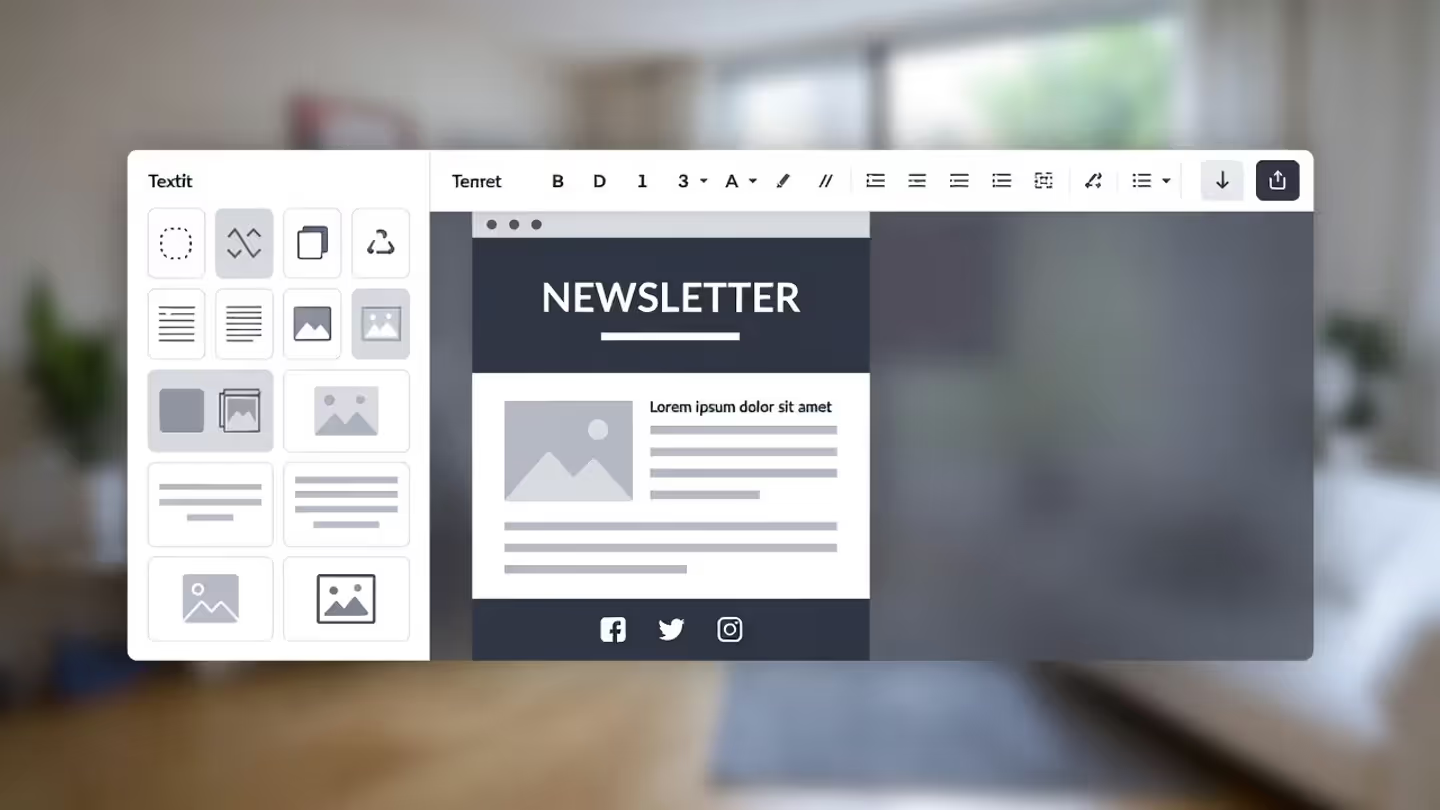
Brevo (formerly called Sendinblue) charges by how many emails you send rather than how many subscribers you have, creating unique affordability for large lists that receive infrequent emails.
What works: The free plan allows unlimited contacts (capped at 300 daily emails). SMS marketing and basic CRM come included. Transactional email capability is already built in.
What doesn't: Automation features feel awkward compared to ConvertKit or ActiveCampaign. The template editor lacks refinement. Advanced capabilities require expensive plan upgrades.
Who should use it: You've got 5,000 subscribers but only send 2-3 campaigns each month. You want SMS and email in one place without paying for separate tools.
MailerLite – Best for Straightforward Campaigns Without Complexity
MailerLite excels at one specific thing: making email creation and sending almost effortless. No bloated features, no confusing navigation paths, just clean email marketing.
What works: The cleanest interface we encountered during testing. Strong deliverability even on free plans. Landing pages and basic website building included. Reasonable pricing as your list expands.
What doesn't: Automation exists but feels elementary. Integration choices lag behind bigger platforms. Reporting lacks depth for data-focused marketers.
Who should use it: You're sending weekly newsletters and occasional promotions without needing elaborate automation sequences. You prefer simplicity over endless feature lists.
Klaviyo – Best for Shopify and E-Commerce Stores
Klaviyo built everything around e-commerce needs. It syncs with your store, monitors every product view and purchase, then automatically creates segments based on buying patterns.
What works: E-commerce automation templates work immediately (abandoned cart recovery, post-purchase sequences, browse abandonment). Revenue attribution tracks which exact emails generate sales. Deep Shopify integration throughout.
What doesn't: Gets expensive as lists grow. Unnecessary if you're not selling products online. The interface assumes you understand e-commerce concepts.
Who should use it: You operate a Shopify store, need automated abandoned cart and post-purchase sequences, and want to measure revenue generated per campaign.
AWeber – Best for Traditional Email Marketing Approaches
AWeber launched in 1998, and its philosophy reflects classic email marketing: grow a list, send broadcasts, measure opens and clicks. No trendy additions, no experimental features, just dependable email delivery.
What works: Consistently excellent deliverability. Actual phone support that responds quickly. Transparent pricing. Handles high sending volumes without throttling.
What doesn't: The interface looks dated. Automation capabilities trail modern competitors. Limited template variety.
Who should use it: You understand email marketing fundamentals, prefer phone support over chat windows, and don't need cutting-edge automation capabilities.
Email Automation Features That Actually Save Time
Beginners usually skip automation, assuming it's too complicated. That's exactly backward. Email automation tools exist specifically to save time for people without marketing teams.
Welcome sequences: New subscriber? Automatically send 3-5 emails over two weeks that introduce your business, share top content, and make a gentle pitch. Build it once and forget it. One consultant I know generates 40% of new clients from a welcome sequence she created three years ago and hasn't touched since.
Behavioral triggers: Specific emails fire when subscribers act—download something, visit pricing information, or go 60 days without opening anything. These convert 3-5 times better than generic broadcasts because they're contextually relevant to what someone just did.
Segmentation rules: Automatically tag people based on interests, purchase history, or how engaged they are. Send targeted campaigns only to relevant segments. A fitness coach slashed her unsubscribe rate by 60% after she stopped sending yoga content to subscribers who wanted strength training information.
A/B testing: Most marketing automation apps now test subject lines automatically, sending the winner to your complete list. This single capability typically lifts open rates 10-20% with zero additional effort.
Drip campaigns: Schedule educational email series that deliver across weeks or months. Course creators nurture leads before pitching paid programs this way. E-commerce stores educate customers about product categories.
Build a simple welcome sequence first. After that runs smoothly, add one behavioral trigger. Automation becomes valuable by layering simple components, not by constructing complex workflows immediately.
Pricing Breakdown: What You'll Actually Pay
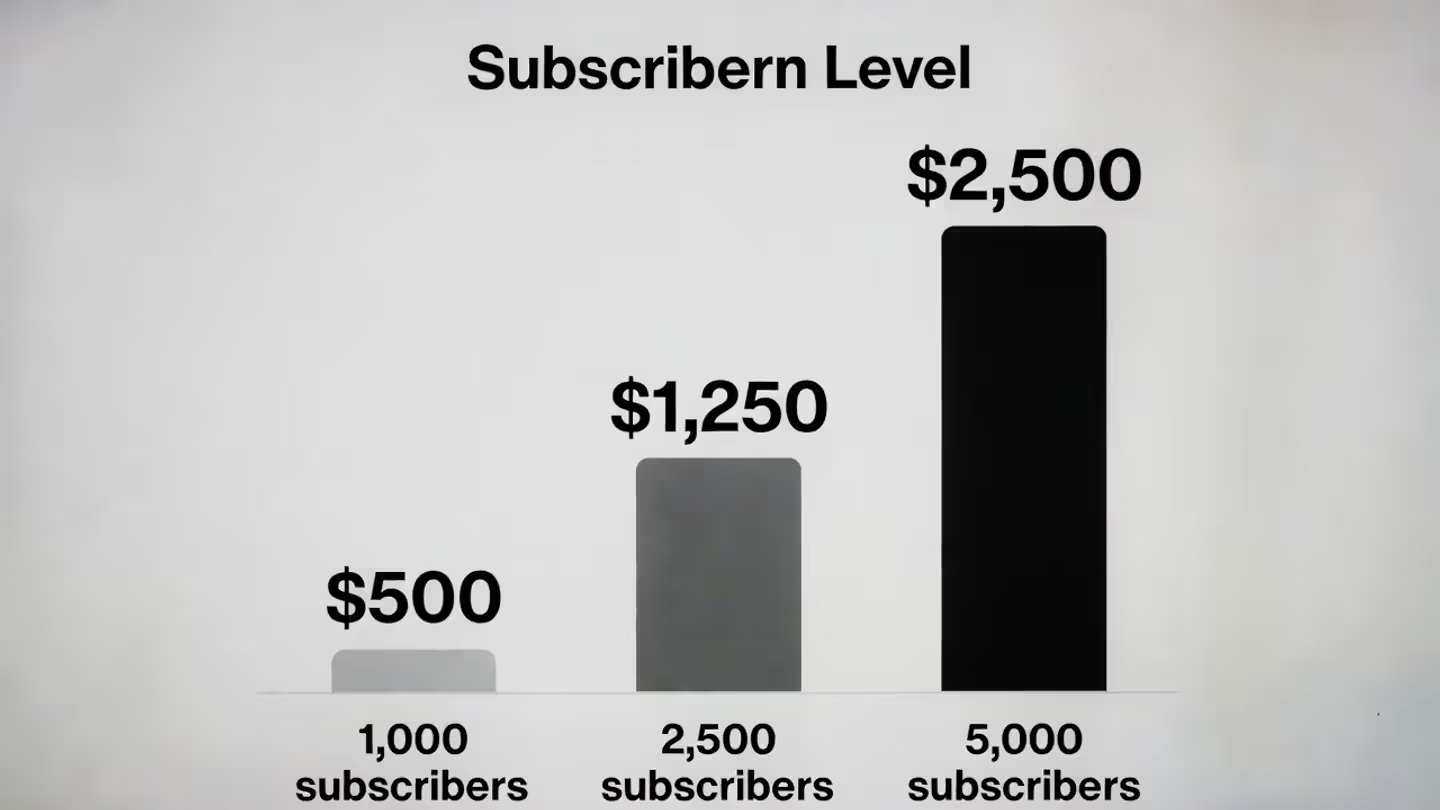
Free plans work for testing, but most small business email marketing requirements demand paid plans within 3-6 months. Here's your realistic spending:
Under 1,000 subscribers: Plan for $10-20 monthly. MailerLite ($10) and AWeber ($12.50) deliver the most features at this level. Brevo charges per send instead of per subscriber, potentially saving money if you email sporadically.
1,000-2,500 subscribers: Budget $20-50 monthly. ConvertKit ($25), Mailchimp ($34), and Brevo ($25) occupy this range. ActiveCampaign starts at $29 but includes CRM capabilities that might replace separate tools.
2,500-5,000 subscribers: Expect costs jumping to $45-100 monthly. Klaviyo gets expensive here ($60+) unless e-commerce revenue justifies the expense. MailerLite stays affordable ($30), making it attractive for expanding lists.
Hidden expenses to monitor: - Mailchimp adds charges for removing their logo and accessing particular automation features - ActiveCampaign's valuable features require mid-tier plans, not the advertised entry price - Klaviyo pricing accelerates rapidly; calculate expenses at your projected 12-month subscriber count - Some charge separately for SMS messages, transactional emails, or extra team members
When upgrading makes sense: Stick with free plans while building your list and testing content. Upgrade when automation becomes necessary (welcome sequences, cart recovery), better deliverability matters, or contact limits get hit. Don't upgrade for features you might eventually use—wait until you actually need them.
Switching expenses: Most platforms charge nothing for importing subscribers, but expect spending 5-15 hours recreating templates, rebuilding automated sequences, and configuring integrations. Include this time cost in platform decisions.
Common Mistakes When Choosing Email Campaign Software
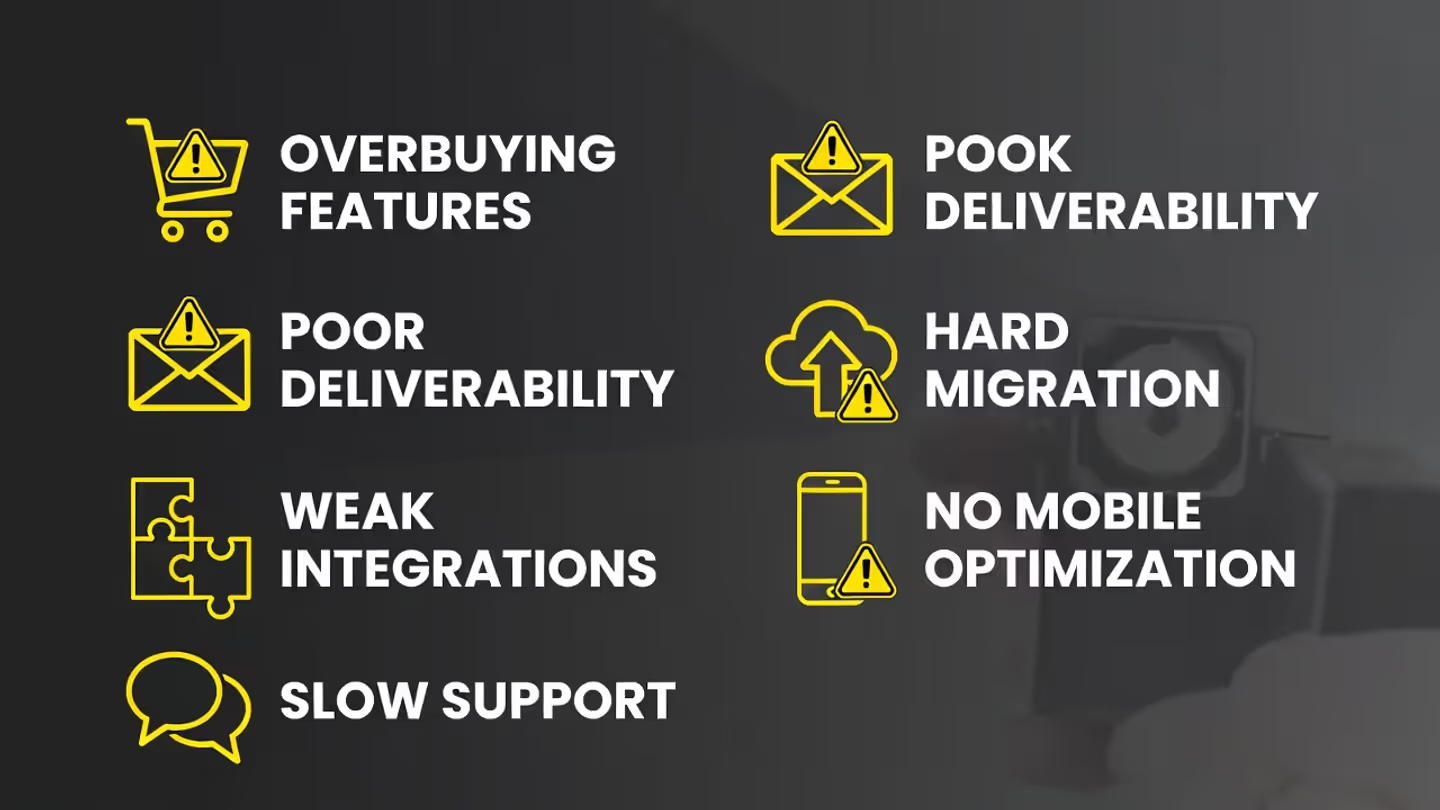
Buying enterprise features for starter needs: One client paid $79 monthly for ActiveCampaign's advanced automation while sending one newsletter per month. She switched to MailerLite at $10 monthly without losing any functionality she actually used. Pick for today's requirements, not imagined future needs.
Email marketing returns an average of $42 for every $1 spent, but that return only happens when the platform aligns with how your business actually operates—and when you use it consistently
Ignoring deliverability reputation: Free plans on certain platforms share IP addresses with spammers, destroying your delivery rates. Research deliverability before committing. Poor-reputation platforms mean your emails hit spam folders regardless of content quality.
Assuming all integrations work equally: "Integrates with Shopify" doesn't guarantee the integration works well. Some sync hourly; others happen instantly. Some pull basic data only; others capture complete customer behavior. Test critical integrations during trials.
Neglecting migration difficulty: Platform switches mean rebuilding automated sequences from scratch. Most import subscriber lists easily but can't duplicate complex workflows. This creates lock-in. Choose carefully initially rather than planning future switches.
Overlooking template mobile responsiveness: Sixty-five percent of emails open on mobile devices. Platforms with templates that break on phones waste your effort. Send test emails to your phone during trial periods.
Skipping support quality research: You'll eventually need help. Email-only support platforms might take 48 hours answering basic questions. For email marketing newcomers, responsive support matters more than an additional automation feature.
Choosing based purely on brand recognition: Mailchimp's famous name doesn't make it ideal for every business situation. Smaller platforms frequently deliver better value for specific use cases.
Frequently Asked Questions About Email Marketing Software
Picking email marketing software matters less than actually using it consistently. The platform matching your workflow and skill level will outperform a feature-packed tool you struggle to operate. Start with a free plan, mail campaigns weekly for a month, then upgrade only after hitting clear limitations. Most businesses succeed with mid-tier plans from any platform on this list—differences come from strategic content and consistent sending, not feature comparisons.